
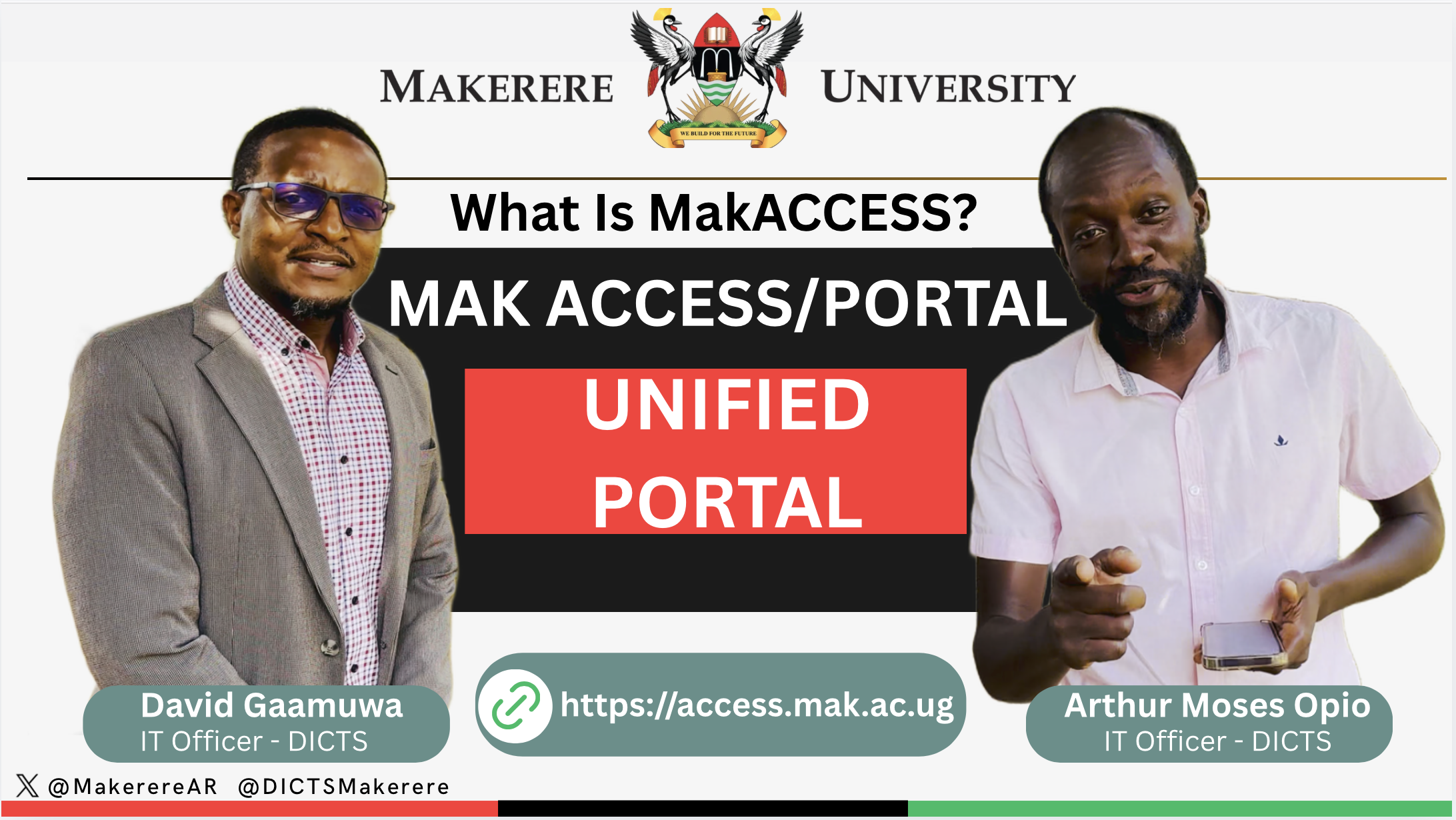
By David Gaamuwa
1. Background
Makerere University (Mak) through the Directorate for ICT Support (DICTS) is improving access to institutional digital services through a Unified Access Portal and Service Dashboard. This initiative is intended to simplify how staff and students access key University systems by providing one central entry point for approved services.
The portal is part of the University’s wider digital transformation efforts aimed at improving user experience, strengthening authentication, and supporting easier access to online services.
VIDEO: Quick Information About Mak Access:
2. Purpose of the Change
The Unified Access Portal / Service Dashboard is being introduced to:
- Provide staff and students with one central access point for institutional services
- Reduce the need to remember and visit many different service links
- Support Single Sign-On (SSO) for selected integrated services like (Mak-webmail
- Improve the security of user access to University systems
- Provide a more organised and user-friendly dashboard for accessing digital services
- Support future integration of more University services under one platform
3. What Is the Unified Access Portal / Service Dashboard?
The Unified Access Portal / Service Dashboard is an online platform that allows authorised staff and students to access selected University services from one place.
It includes:
- A Single Sign-On portal for supported services
- A user dashboard for staff and students
- Quick links to key University digital services
- A platform that can be expanded as more services are integrated
- A more convenient way to access institutional systems using approved University credentials
4. What Is It Addressing?
The portal is intended to address common access challenges such as:
- Users having to remember many different service links
- Repeated login processes across different systems
- Difficulty knowing where to access official University services
- Fragmented access to institutional systems
- Need for a more secure and consistent authentication experience
- Need for a central platform that can support future digital services
5. Key Features
The initial version of the portal may include the following features:
a) Single Sign-On
Users can access selected services using a unified login process, where supported. This reduces repeated logins and improves the user experience.
b) Staff and Student Dashboard
The dashboard provides users with a central view of available services and links relevant to them.
c) Access to Integrated Services
The portal will provide access to services that have been integrated into the platform. These may include services such as email, e-learning, institutional repositories, and other approved University systems.
d) Customisable or Role-Based Access
Where applicable, users may see services based on their role, such as staff, student, or other approved user categories.
e) Improved Security
The platform supports better access control and may include additional authentication measures where required especially the SSO ready services
6. Who Can Access the Portal?
The portal is intended for authorised Makerere University users, including:
- Students
- Academic staff
- Administrative staff
Access will depend on the user’s valid University credentials and the services enabled for their category.
7. How to Access the Portal
Users will access the portal through the approved University link:
Portal URL: https://access.mak.ac.ug
Users should use their official University credentials to sign in. (eg eduroam or Mak-air credentials )
Where additional authentication steps are required, users should follow the instructions provided via https://answers.mak.ac.ug/software-applications/makerere-access-univers… on the login page or user guide.
8. What Users Need to Do
Staff and students will be required to:
- Visit the official portal link (https://access.mak.ac.ug)
- Sign in using their approved University credentials
- Follow any additional authentication instructions, where applicable
- Use the dashboard to access available services
- Report access challenges through the official support channels
Users are encouraged to avoid unofficial links and should only access the portal through the approved University communication channels.
9. Support Arrangements
Support will be provided through the official University IT support channels.
Users may seek help for:
- Login challenges
- Password-related issues
- Access to specific services
- Dashboard navigation
- Authentication or verification challenges
- General user guidance
Support channels:
- Online support: https://support.mak.ac.ug
- Email support: ictsupport@mak.ac.ug
- Physical support desk: DICTS, ground floor, BlockA, SCIT Building and DICTS-CEDAT New Building Level 3